
The Roster Athletics platform supports the management of track and field competitions and road running events. When creating a new competition, you select a Competition profile that determines which events and configuration options are available.
To create a new competition, go to the left-hand side menu and select Browse, then click Create, or select Create directly.
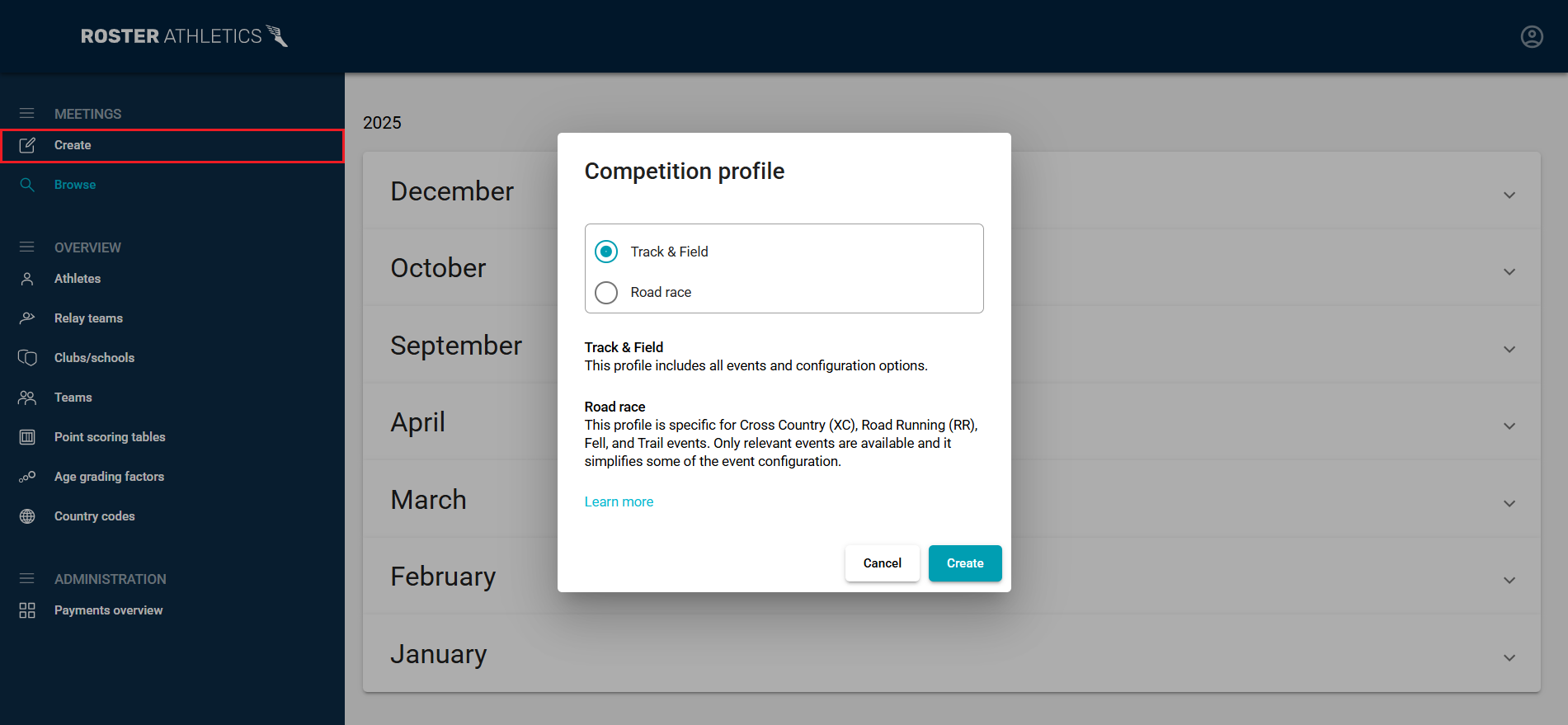
In the new window, select the competition profile:
- Track & Field - This profile includes all events and configuration options.
- Road race - This profile is specific to Cross Country (XC), Road Running (RR), Fell, and Trail events. Only relevant events and features are available, which simplifies event configuration.
When using the Road race profile, the following events and features available in the Track & Field profile are not available:
- events with multiple stages (including qualification rules)
- using imperial units (ft-in)
- individual scoring
- fantasy game
By selecting the Road race profile, you can enable Express registration. Learn more in the Organisers: Express registration guide.
Important: The competition profile cannot be changed after the competition has been created.After selecting a profile, click the Create button to open the competition setup form. For the next steps, follow the Set up a competition (Track & Field) or Set up a race (Road race) guide.