You can use keyboard shortcuts in the competition management platform, for example, to move between items in the left-hand menu and open them in new tabs.
| Action | Windows | Mac |
|---|---|---|
| Open the left-hand menu | Alt | Control |
| Move between menu items | Alt + ↑ / ↓ | Control + Command + ↑ / ↓ |
| Open a menu item in a new tab | Ctrl + click | Command + click |
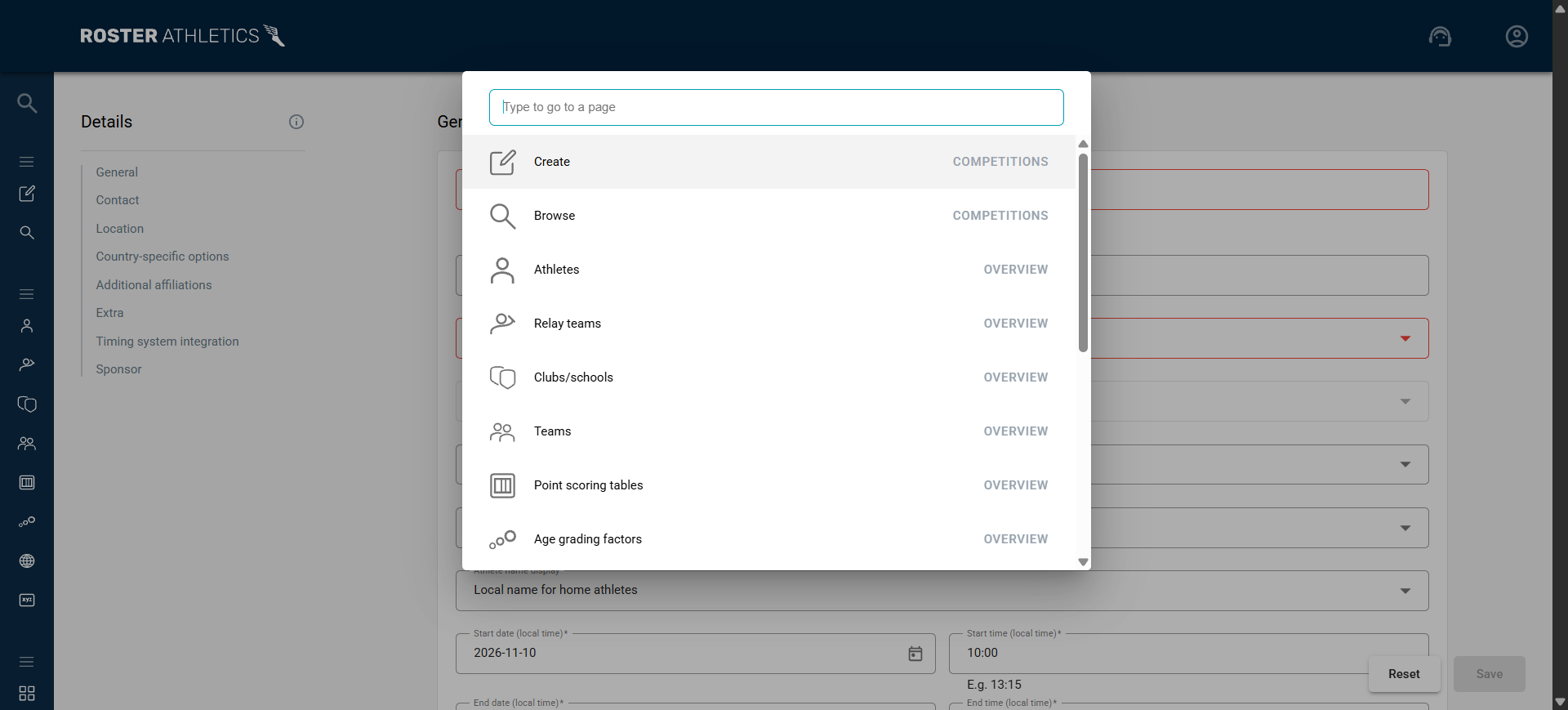
| Open the navigation launcher | Ctrl + K | Command + K |
| Search for an athlete or relay team on a start list or results page | Ctrl + F | Command + F |
| Auto-format results on results page | Alt + Q | Control + Q |
Using the navigation launcher
The navigation launcher lets you search menu items by name or category.
- Use the arrow keys to move through the results.
- Press Enter to open the selected view.
- Press Ctrl + Enter (Windows) or Command + Enter (Mac), or middle-click, to open it in a new tab.
- Press Esc to close the launcher.