During registration, registrants can actively opt in to receive marketing communications from the organiser.
To access the list of users who opt in, go to https://admin.rosterathletics.com/ and log in with your Roster account.
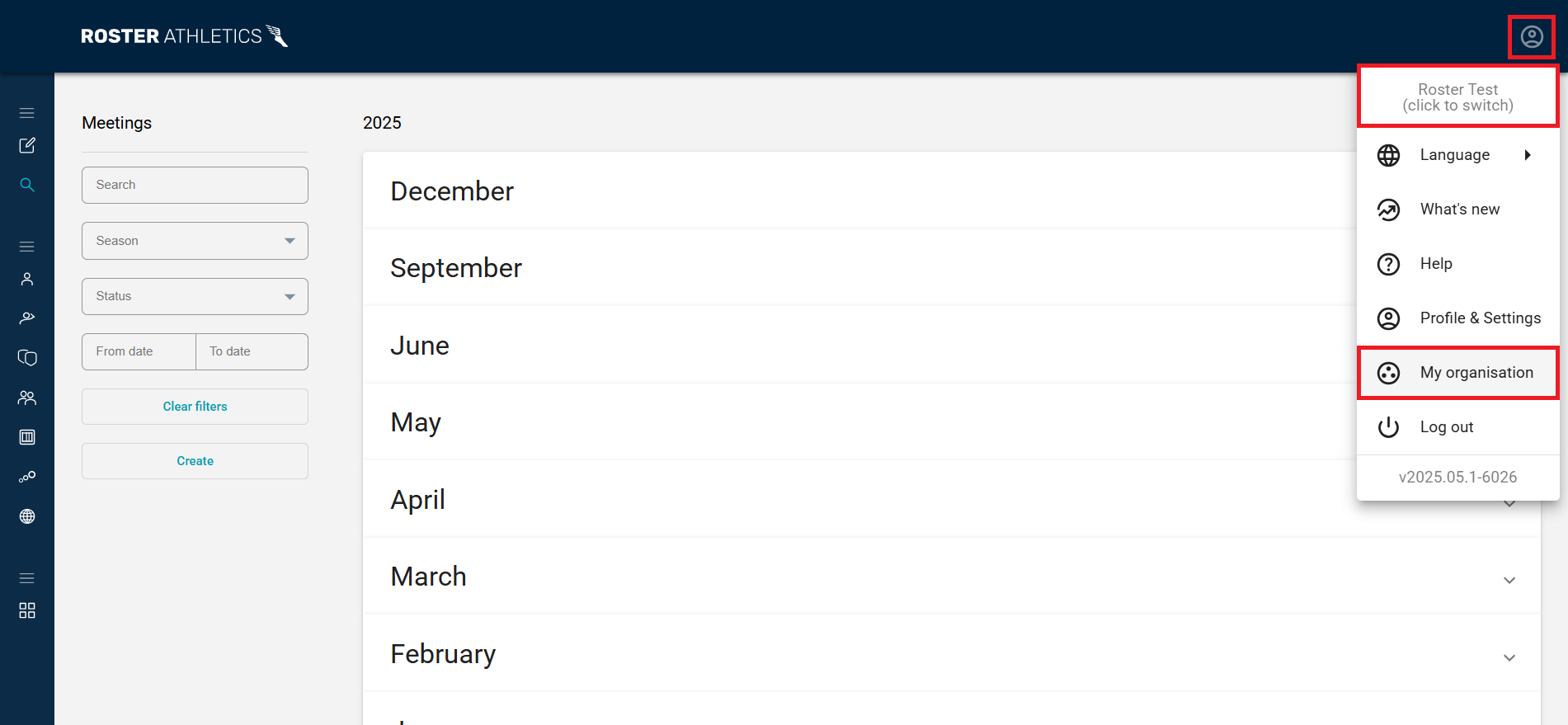
Click the profile icon in the upper-right corner of the page and ensure you are using the correct organisation (users can be part of multiple organisations).
Once this is done, click on My organisation. This option is available only to users with the Administrator role. Learn more about roles in the Organiser roles guide.
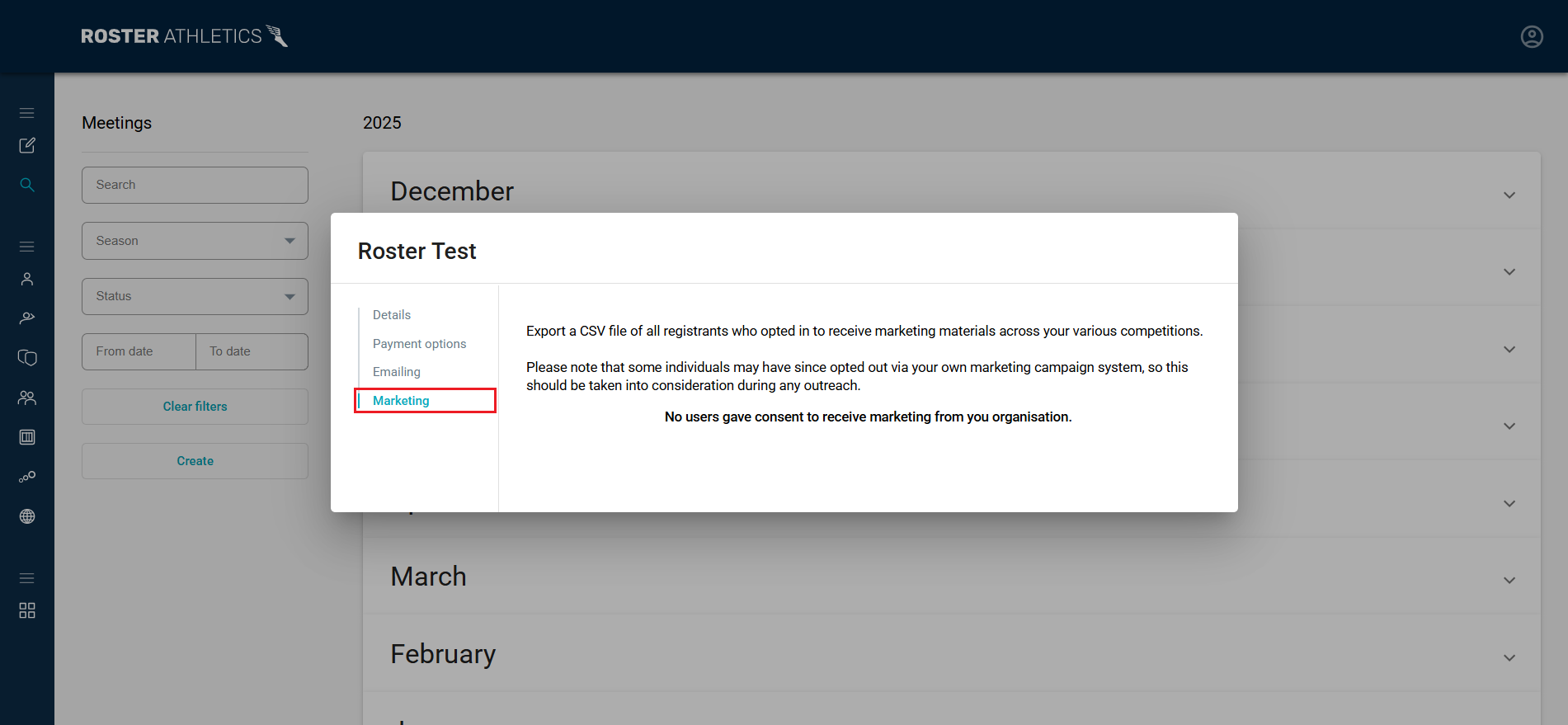
You will next see an edit organisation pop-up window. Go to the Marketing tab. From here, you can export a CSV file of all registrants who opted in to receive marketing materials across your various competitions.
Please note: some individuals may have since opted out via your marketing campaign system, so this should be considered during any outreach.